 Uncx
Uncx
Uncx minter templates define which token settings you can change
Uncx minter templates determine which settings remain editable after you create a token. A Simple ERC-20 Token has no editable special functions, while Tax Token and LP Tax Token templates expose different tax controls. Hyperlane tokens add network and coupling configuration, and ERC-404 tokens allow metadata-link changes. Those capabilities belong to the selected template and its contract permissions; the minter's general feature list doesn't give every token the same controls.
Template choice and contract permissions
Template choice determines a token's available functions, while its contract permissions determine who can exercise the administrative controls. A blueprint is a contract template with a particular feature set. The minter brings those templates into one interface, without making their settings interchangeable.
Creation fields differ from ongoing settings. A token's name, symbol, and supply belong to its initial configuration. Their appearance during creation doesn't establish that the management screen can change them later.
The creation form labels Simple ERC-20 Token as Basic, Hyperlane as Multichain Token, and ERC-404 as Hybrid token.
A template's capabilities also differ from a deployed token's present configuration. A tax-capable template provides controls; the actual rates, exemptions, and other configured values belong to the particular token. Its feature list alone doesn't tell you those values.
Why can't I edit a Simple ERC-20 Token?
A Simple ERC-20 Token has no editable special functions, so its management screen doesn't expose the specialized settings available in the other templates.
Tax Token administration
The Tax Token template exposes separate buy and sell tax controls, address-level fee exemptions, and a changeable fee receiver.
An exemption identifies an address that doesn't pay the applicable token fees. Exempting that address differs from changing the rates that apply to other addresses.
The fee receiver is the address that receives collected taxes for this template. Changing that destination changes where the taxes go, separately from the rate settings.
LP Tax Token thresholds
The LP Tax Token template includes buy and sell tax controls, a tax threshold, and address-level fee exemptions.
The LP Tax Token threshold specifies the amount of the project's tokens that must accumulate to trigger a liquidity injection. That amount uses the project's token units. A threshold expressed in tokens answers a different question from a buy or sell tax expressed as a percentage. Changing the threshold adjusts the accumulated amount required by that trigger; the threshold alone doesn't specify a waiting period.
How does Hyperlane expose its coupling settings?
Hyperlane coupling controls become visible after you select an available network on the token's editing screen. The template also lets you add networks to enable multichain functionality.
The available networks constrain this configuration. Support for token vesting, locking, or another product on a chain doesn't establish Hyperlane support there. The relevant choices are the networks offered for this template.
ERC-404 metadata controls
ERC-404 management exposes the Token URL, which holds the token's metadata link. The creation form also includes an NFT image link or metadata field for this hybrid template. Editing the metadata link changes that configured pointer.
Ownership and permission limits
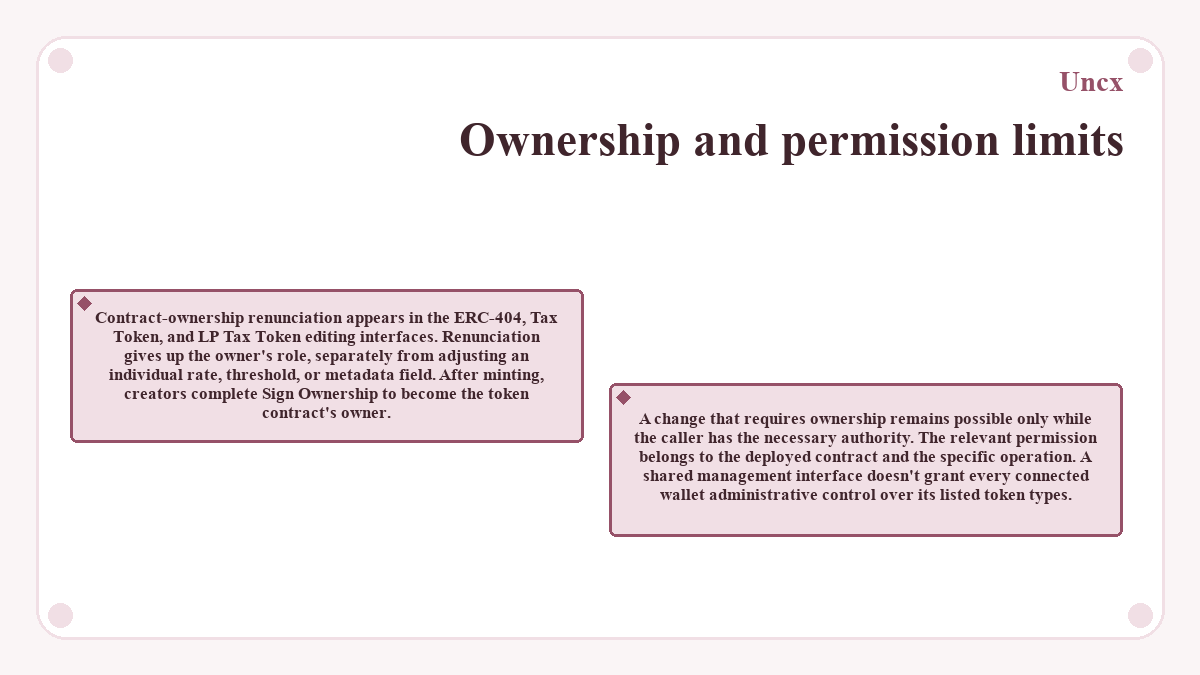
Contract-ownership renunciation appears in the ERC-404, Tax Token, and LP Tax Token editing interfaces. Renunciation gives up the owner's role, separately from adjusting an individual rate, threshold, or metadata field.
After minting, creators complete Sign Ownership to become the token contract's owner. A change that requires ownership remains possible only while the caller has the necessary authority. The relevant permission belongs to the deployed contract and the specific operation. A shared management interface doesn't grant every connected wallet administrative control over its listed token types.
Where do I find my minted token's controls?
The minter's management area lists tokens minted through the service, with each token's Settings button opening its editing screen. The controls on that screen belong to the listed token and its blueprint.
The contract address identifies the deployed token, while a name or symbol alone doesn't establish its identity. Tax edits, metadata changes, and network configuration apply to a particular contract, so the selected token's address needs to match the intended asset.
A template checklist before token creation
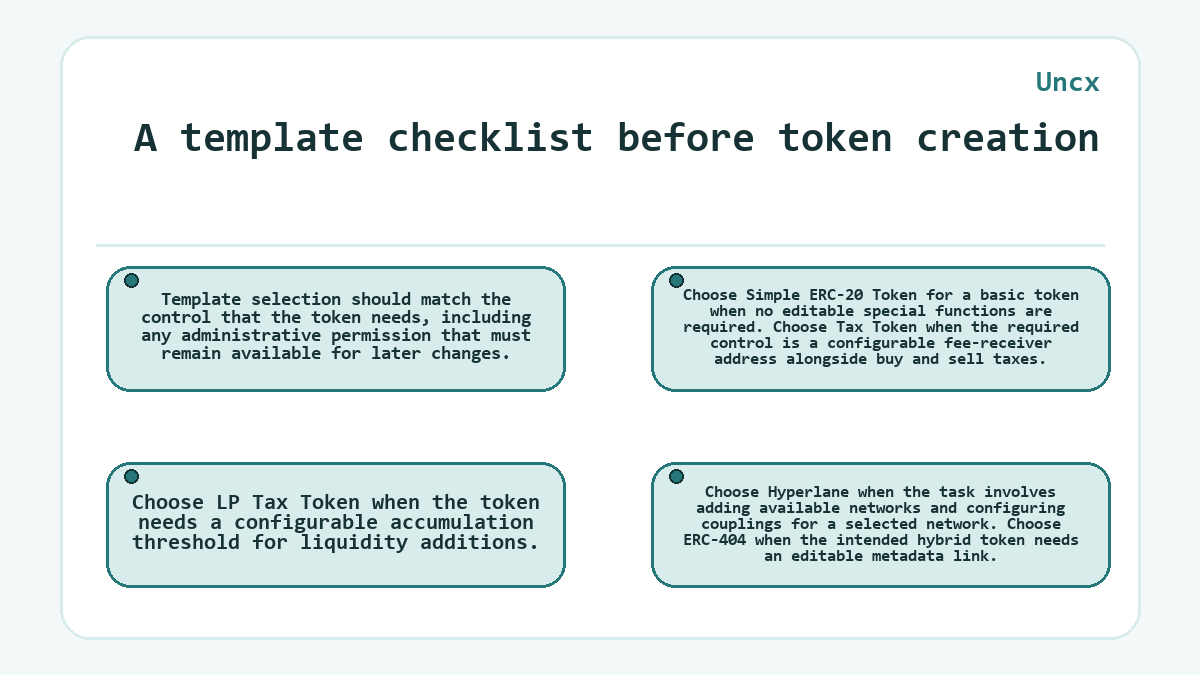
Template selection should match the control that the token needs, including any administrative permission that must remain available for later changes.
- Choose Simple ERC-20 Token for a basic token when no editable special functions are required.
- Choose Tax Token when the required control is a configurable fee-receiver address alongside buy and sell taxes.
- Choose LP Tax Token when the token needs a configurable accumulation threshold for liquidity additions.
- Choose Hyperlane when the task involves adding available networks and configuring couplings for a selected network.
- Choose ERC-404 when the intended hybrid token needs an editable metadata link.
Separate controls for tokens and liquidity
Liquidity locking and token vesting govern asset commitments that minter settings don't establish. A liquidity lock restricts withdrawal of a supported liquidity position until its unlock date. Vesting governs releases for allocated tokens and recipients.
These commitments address different concerns from editable taxes or metadata. A fee-receiver setting determines a destination for collected token taxes; a liquidity lock limits withdrawal of the locked position. Choosing a configurable token template doesn't itself select a lock duration or an allocation schedule.
What readers ask about Uncx
What buy and sell tax limits does the minting form describe?
The Simple Tax Token creation form allows buy and sell taxes up to 30%, while the LP Tax Token creation form allows up to 25%. These limits concern token creation. Later editing follows the deployed template and its contract controls, so the creation-form values shouldn't be treated as universal limits for every template or version.
Can I return to explorer verification after closing the token-creation screen?
The minter lets you return to explorer verification through the token's Settings menu after the creation screen closes. Use Verify Token there. The minting guide describes verification as a work in progress and directs users to Uncx support if it fails. An available verification button doesn't confirm successful verification; the explorer's verification status establishes the outcome.
Where can I copy a Simple ERC-20 Token's contract address?
The Simple ERC-20 Token management page lets you copy the token's contract address. That address identifies the deployed contract.
Are pause and blacklist functions available on every minter template?
The minter's general pause and blacklist features don't apply automatically to every template. Those functions require a blueprint and deployed contract that provide them. Simple ERC-20 Token management has no editable special functions, so the minter's wider feature list doesn't describe its administration menu.
Is an ERC-404 Token URL the same as its contract address?
An ERC-404 Token URL holds a metadata link, while its contract address identifies the deployed smart contract. Editing the metadata-link field changes that setting. It doesn't replace the deployed contract or change the contract address.
Does a token's buy tax replace the minter's service fees?
A token's buy tax and the minter's service fees are separate charges. The buy tax belongs to the selected token template's configuration. Product fees vary by service, network, and configuration, with network gas paid separately. Adjusting the token's tax doesn't set the platform's service-fee schedule.